
Overview
In this article, we'll provide a high-level overview of some of the most commonly used tools in the Kinsman SitePoint app, including:
Dual distance stakeout
Offset from line
Shape layout
Quick grade check
PDF import
Each section provides a brief introduction to the tool, explains where it's commonly used.
Dual Distance Stakeout
The Dual Distance Stakeout tool allows you to create points by specifying a distance from two existing reference points. The app calculates where the two distances intersect and creates two possible locations, labeled A and B.
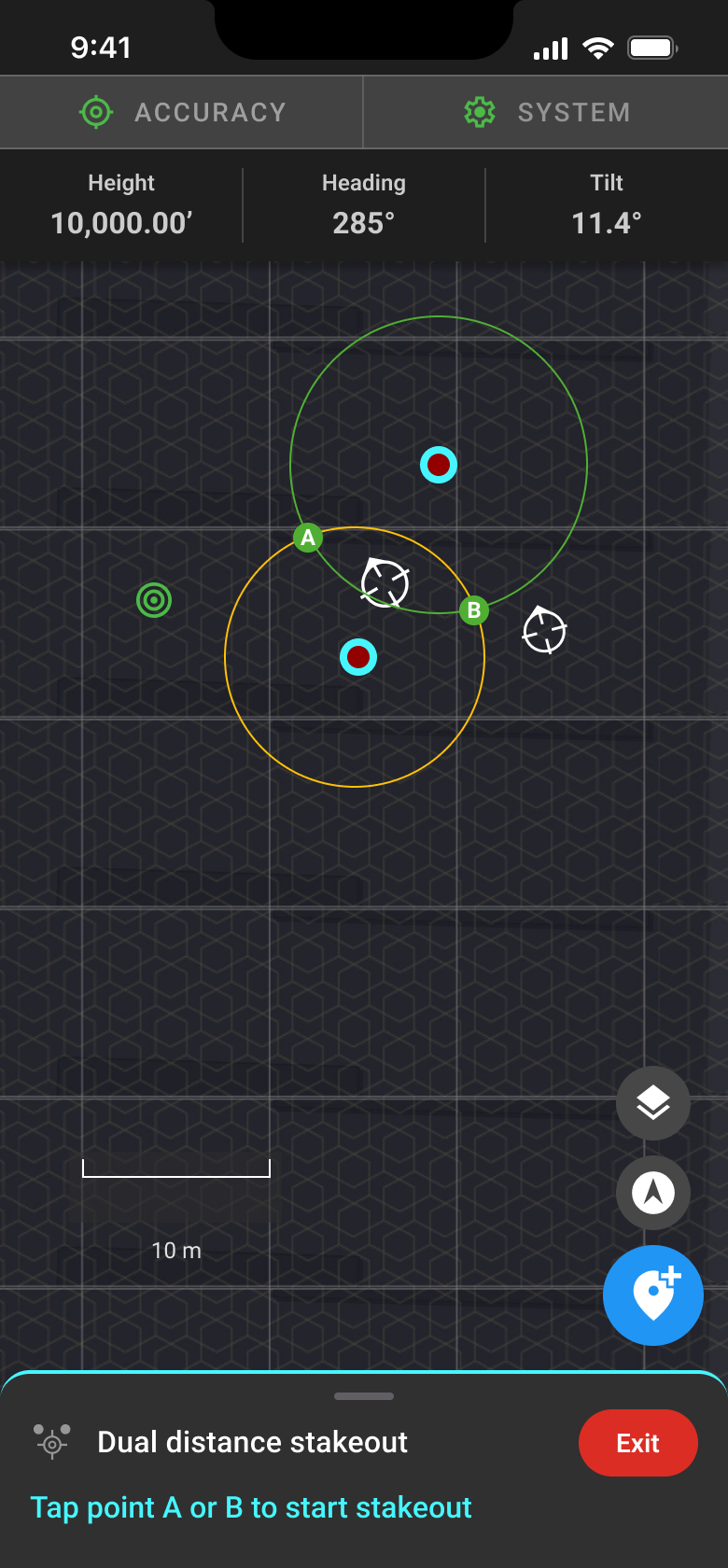
This tool is useful when a new point must be located at a known distance from two existing points. Common applications include locating building corners, utility structures, and other layout points where measurements are defined relative to existing site features.
Once the intersection points are created, you can select the correct location and use the app's existing stakeout tools to accurately mark it in the field.
Offset from line
The Offset from Line tool makes it easy to establish a square, perpendicular measurement from an existing line without relying on manual tape.
To use the tool, select the two points that define your reference line. Then, walk with the rover away from either end of the line. The app guides you by indicating when you're perfectly perpendicular to the reference line and displays your distance from the selected point in real time.
For example, if you're laying out a 24 × 24-foot garage pad, simply establish the first side of the pad, select its two corner points in the app, and walk 24 feet away from one corner. The app guides you into the correct perpendicular position, making it quick and easy to establish a perfectly square corner without relying on manual tape measurements or the 3-4-5 method.
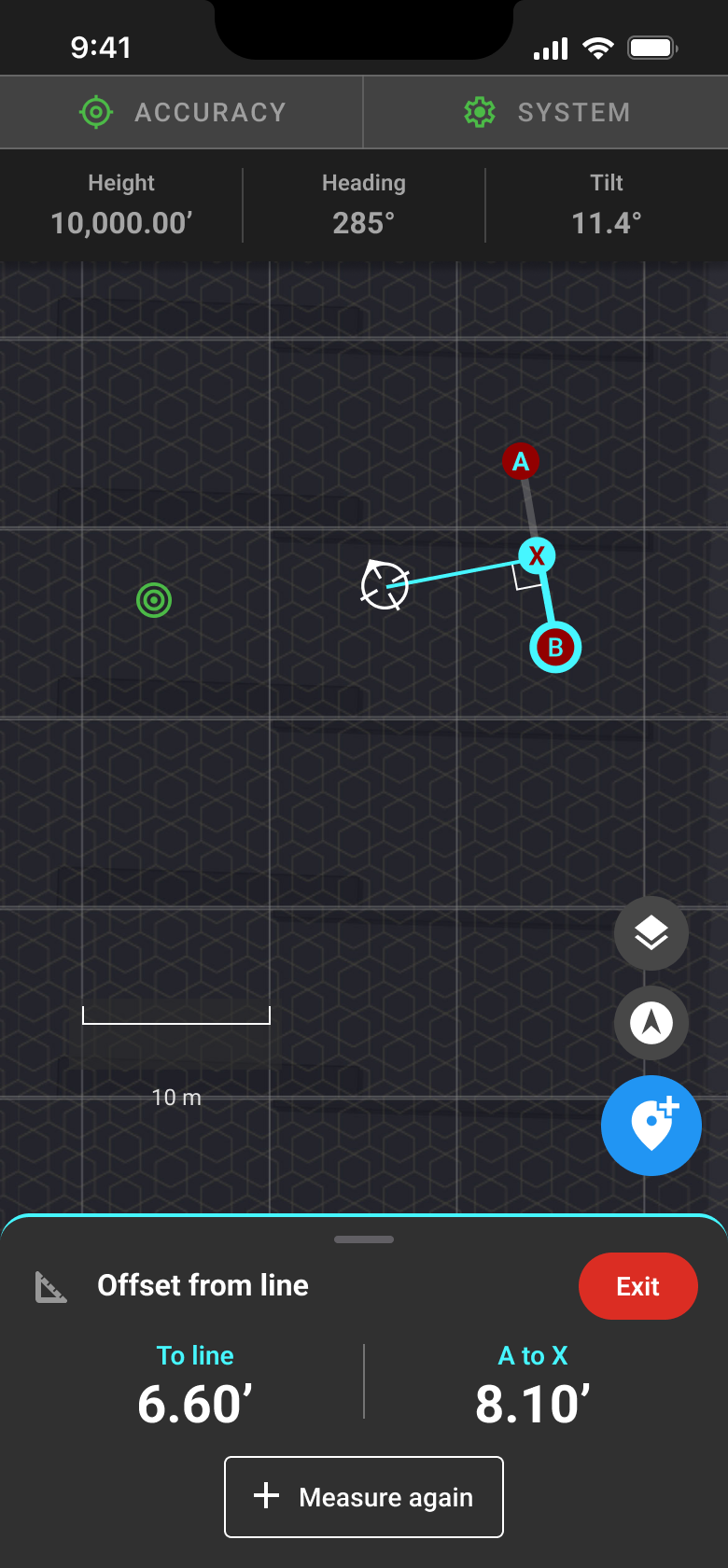
This tool is especially useful when traditional measuring methods are impractical, such as when trees, buildings, or other obstacles block the line of sight between reference points. It's also commonly used when laying out building foundations that must be a specified distance from a property line, road centerline, or existing building.
Shape layout
The Shape Layout tool allows you to quickly create rectangles, lines, and circles directly in the Kinsman SitePoint app. Instead of drawing plans manually or preparing CAD files before arriving on the jobsite, you can enter the dimensions of a known shape, position it, and orient it using your rover or existing project points.
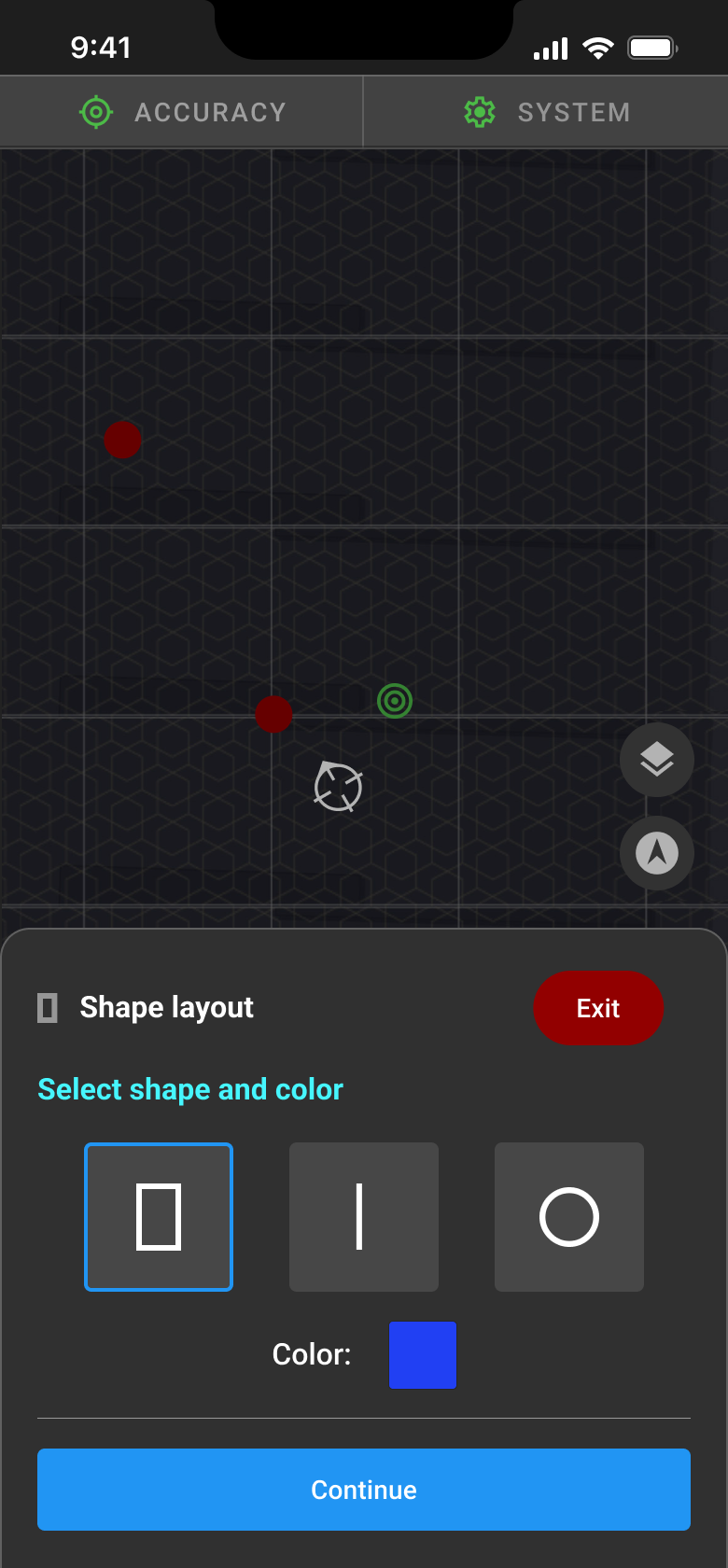
The resulting shape is created with precise dimensions and perpendicular corners, making it ideal for laying out foundations, building pads, and other common site features. Once created, you can immediately stake out the shape's points and lines using the app's existing stakeout tools.
Quick Grade check
The Quick Grade Check tool allows you to quickly verify the grade of a surface by comparing the current ground elevation to a target grade. You can define both a main grade slope and a cross slope, making it easy to check whether an area is being graded to the desired design.
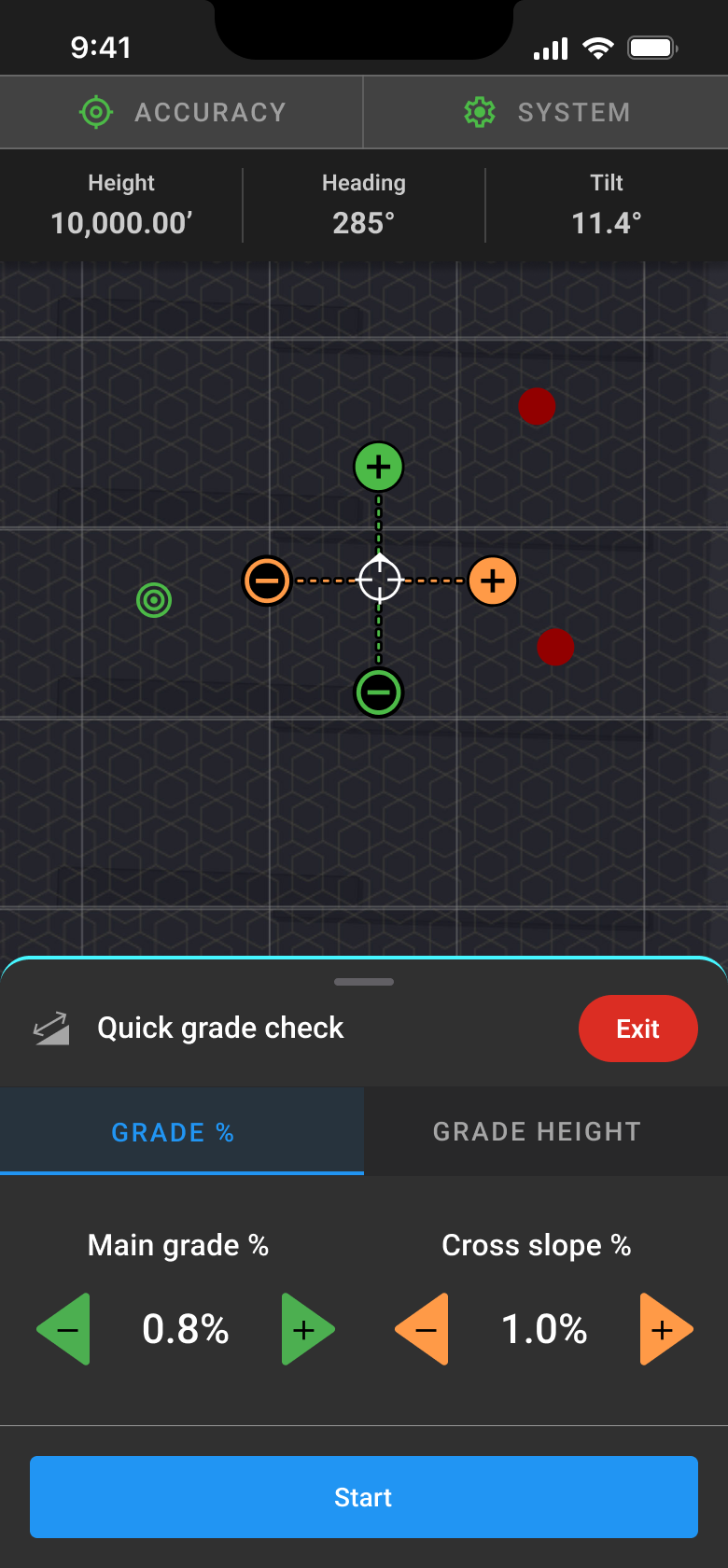
This tool is commonly used during earthmoving and fine grading operations, such as preparing building pads, driveways, parking lots, roads, and other surfaces where maintaining the correct slope is critical for drainage and finished elevations.
By providing real-time grade information, Quick Grade Check helps operators quickly identify areas that need additional cut or fill without performing manual calculations or repeatedly checking elevations.
PDF import
The PDF Import tool allows you to import a site plan directly into the Kinsman SitePoint app and use it as a reference for layout and stakeout.
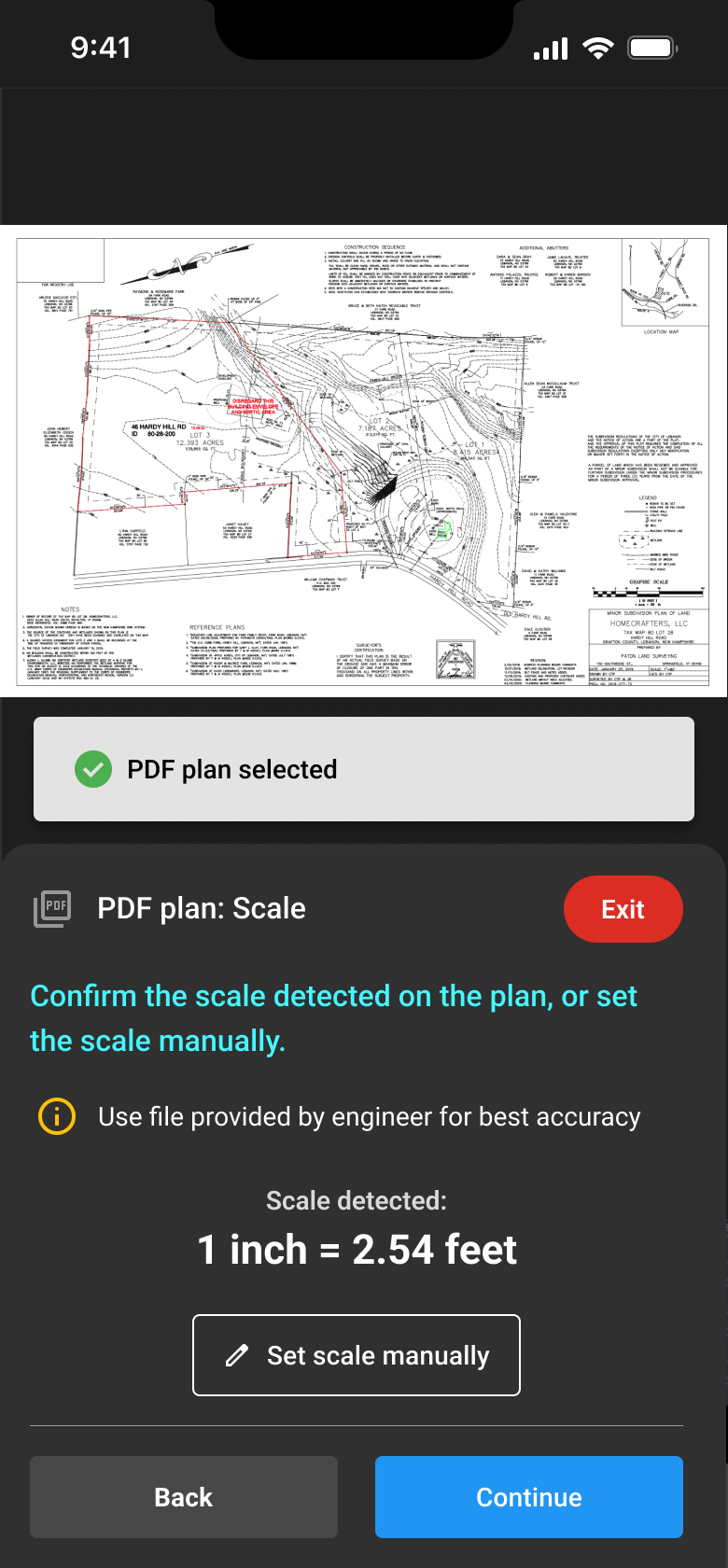
After importing a PDF, you'll scale it using a known distance on the plan, then position and rotate it so it aligns with the physical jobsite. Once localized, the PDF serves as a non-interactive background layer that you can use to create points, lines, and shapes.
Because the PDF is imported directly into the app, there's no need to prepare the plan in a desktop application before heading to the field.
Was this article helpful?
That’s Great!
Thank you for your feedback
Sorry! We couldn't be helpful
Thank you for your feedback
Feedback sent
We appreciate your effort and will try to fix the article