
Overview
The Resume last session feature provides a faster way to return to your previous work session in the Kinsman SitePoint app.
Important: Resume last session speeds up the connection process, but it does not eliminate the need to localize your control point when required.
Instead of selecting your work profile and reconnecting your base and rover individually, Resume last session uses your previous session configuration to reconnect your SitePoints and return you to your project.
Note: Resume last session is designed for short interruptions, such as taking a phone call or stepping away from the jobsite for a break. It is not recommended when your SitePoints have been completely removed from the jobsite.
Before You Begin
Before using Resume last session:
You must have a previous session available to resume.
Make sure your base and rover are powered on and ready to connect.
Step-by-Step Instructions
Step 1 — Resume Your Last Session
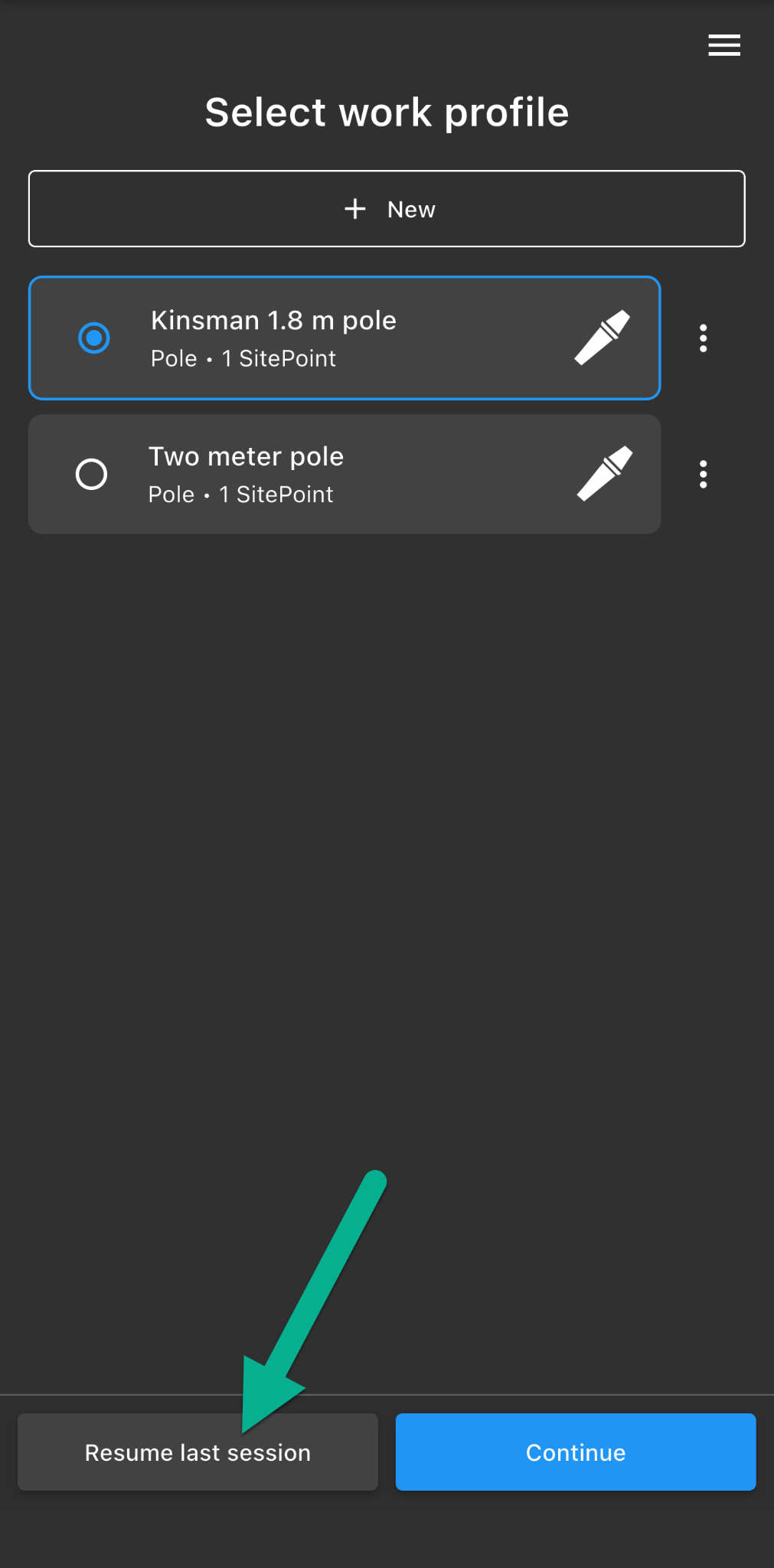
If a previous session is available, Resume last session will appear in the bottom-left corner of the Select Work Profile screen.
Tap Resume last session.
Step 2 — Reconnect Your SitePoints
The app will display the work profile from your previous session and automatically attempt to reconnect to the SitePoints used during that session.
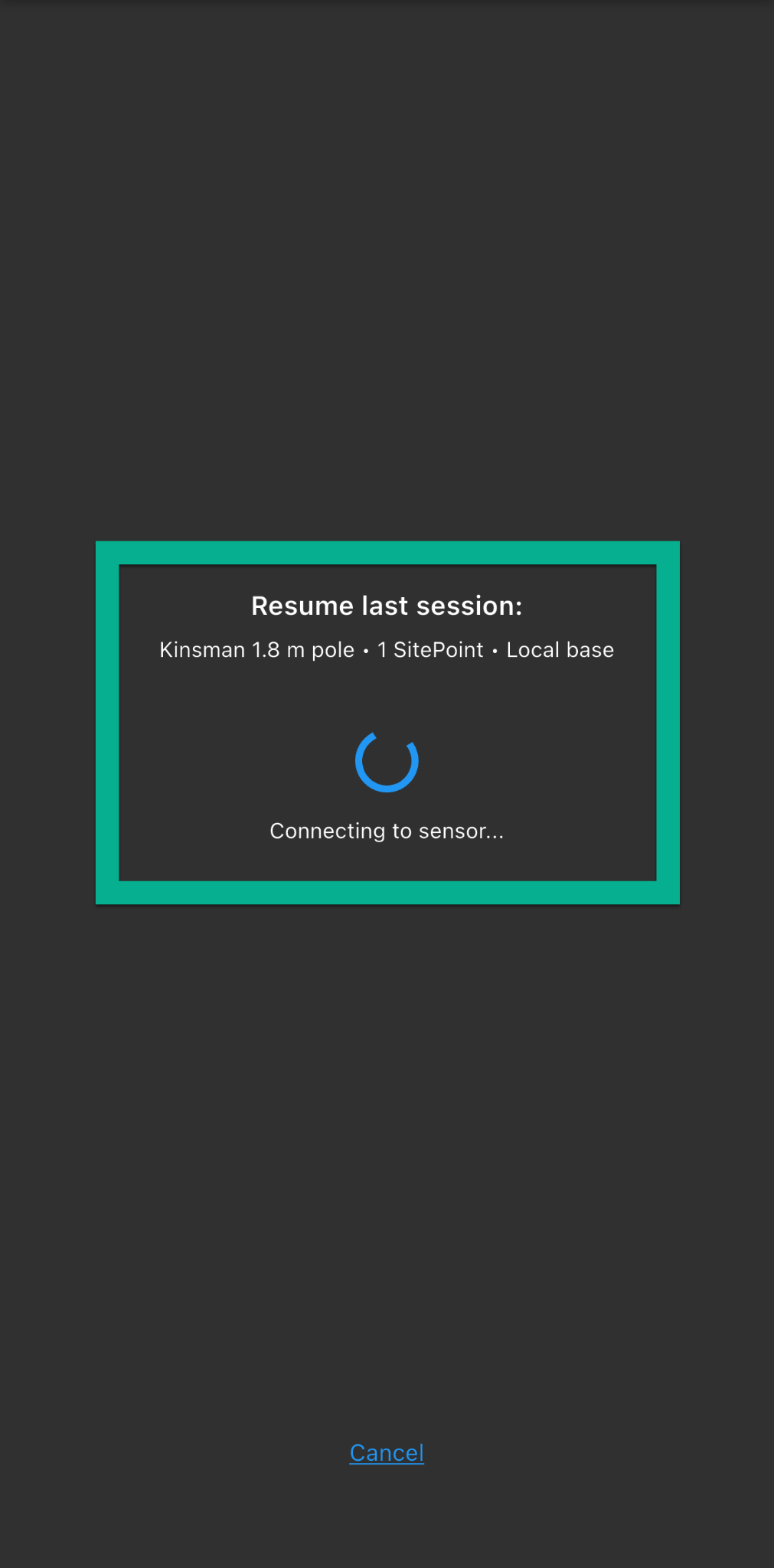
Once your SitePoints are connected, the app will bring you to the map screen.
Step 3 — Localize Your Project
Before continuing your work, the Kinsman SitePoint app will prompt you to localize your project.
Depending on your previous session, you'll be prompted to either:
Localize your control point: Position your rover precisely on the physical control point and follow the prompts to localize your project.
Confirm whether the base has moved: If the base has remained powered on and in the same location, tap No and continue working. If the base has moved, tap Yes, then localize your control point before continuing.
Was this article helpful?
That’s Great!
Thank you for your feedback
Sorry! We couldn't be helpful
Thank you for your feedback
Feedback sent
We appreciate your effort and will try to fix the article